Your First Plan
Hands-on: specify, harden, and execute a real feature in 30 minutes.
pforge smith shows all green. You have VS Code + Copilot ready.
What We're Building
A GET /health endpoint. It's deliberately simple, the point is to learn the pipeline, not build something complex. You'll run the full 7-step flow (Specify → Pre-flight → Harden → Execute → Sweep → Review → Ship) on a feature that takes 15 minutes to code, so you can focus on how the system works.
Step 0: Specify the Feature
- Open Copilot Chat:
Ctrl+Shift+I(Windows) orCmd+Shift+I(Mac) - Select Agent Mode at the bottom of the chat panel
- Click the 📎 attach file button → select
.github/prompts/step0-specify-feature.prompt.md - Replace
<FEATURE-NAME>withhealth-endpointand send
The agent interviews you. Here are example answers for a health endpoint:
Problem: Load balancers need to verify the service is running.
Scenarios: GET /health every 30s. Expects 200 OK with {"status":"healthy"}.
Criteria: Returns 200 with JSON. Under 50ms. No auth required.
Edge cases: If DB unreachable → 503 {"status":"degraded","reason":"database"}.
Out of scope: No deep checks (Redis, APIs). No metrics endpoint.
The agent compiles your answers into a specification and creates docs/plans/Phase-1-HEALTH-ENDPOINT-PLAN.md.
Step 1: Pre-flight Check
Still in the same chat session:
- Attach
.github/prompts/step1-preflight-check.prompt.md - Replace
<YOUR-PLAN>withPhase-1-HEALTH-ENDPOINT-PLANand send
The agent checks git state, guardrail files, and the roadmap. Everything should pass. If something fails, it tells you exactly what to fix.
Step 2: Harden the Plan
- Attach
.github/prompts/step2-harden-plan.prompt.md - Replace
<YOUR-PLAN>withPhase-1-HEALTH-ENDPOINT-PLANand send
The agent adds the mandatory blocks to your plan. When it says "Plan hardened", Session 1 is done.
Reading the Hardened Plan
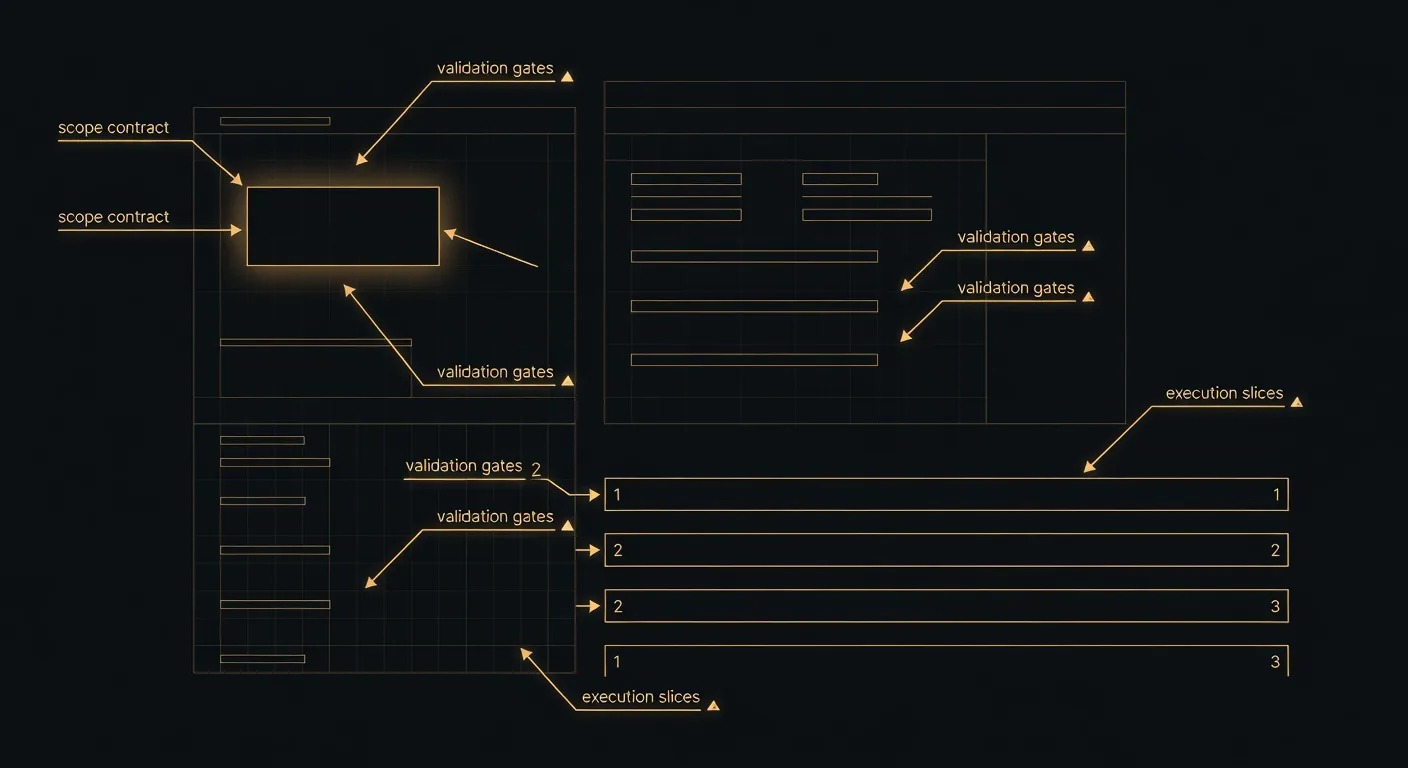
Open the plan file. Every hardened plan has these sections, here's what each means:
# Phase 1, Health Endpoint

## Scope Contract                    ← What files the AI can touch
In Scope: src/controllers/**, tests/health/**
Out of Scope: frontend, deployment, CI/CD
Forbidden Actions: Do NOT modify src/database/migrations/

## MUST Criteria                     ← Required outcomes (non-negotiable)
- [ ] GET /health returns 200 with JSON body
- [ ] 503 when database unreachable
- [ ] Response time under 50ms

## SHOULD Criteria                   ← Nice to have (best-effort)
- [ ] Structured logging on health check calls

## Execution Slices                  ← Checkpointed work chunks

### Slice 1, Health Controller [30 min]
Tasks: Create controller, route, response model
Gate: `dotnet build` passes             ← Must pass before Slice 2
Stop if: Build fails                     ← Halts execution

### Slice 2, Tests + Edge Cases [30 min]
Tasks: Unit tests, 503 degraded scenario
Gate: `dotnet test`, 4+ tests pass
Stop if: Any test regresses

## Branch Strategy
Branch: feature/phase-1-health-endpoint

## Rollback Plan                     ← How to undo if things go wrong
1. `git revert HEAD~2`| Section | Purpose | What Goes Wrong Without It |
|---|---|---|
| Scope Contract | Boundaries: what's in, out, forbidden | AI refactors unrelated files |
| MUST Criteria | Non-negotiable requirements | Features ship incomplete |
| Execution Slices | 30–120 min checkpointed chunks | Monolithic changes, late failure discovery |
| Validation Gates | Build/test commands at each boundary | Broken code propagates to next slice |
| Stop Conditions | When to halt instead of working around | AI hacks around failures |
| Rollback Plan | How to revert if needed | Panic when things break |
Step 3: Execute
Three ways to execute, pick one:
pforge run-plan docs/plans/Phase-1-HEALTH-ENDPOINT-PLAN.mdKick off and walk away. Watch progress at localhost:3100/dashboard.
pforge run-plan --assisted docs/plans/Phase-1-HEALTH-ENDPOINT-PLAN.mdYou code in VS Code. Orchestrator validates gates automatically.
Start a new Copilot session. Attach step3-execute-slice.prompt.md. The AI reads the plan and executes slice by slice.
The agent creates the health endpoint, runs build, runs test, and reports pass/fail at each gate. If a gate fails, execution stops, no silent failures.
Step 4: Sweep
After execution, the completeness sweep scans for deferred-work markers:
pforge sweepIt searches all code for TODO, FIXME, HACK, stub, placeholder, mock data. For a health endpoint, this should find zero. If it finds anything, resolve it before review.
Step 5: Review
Start a NEW chat session, click the + button. This is critical: the reviewer must not carry context from the builder.
- Select Agent Mode
- Attach
.github/prompts/step5-review-gate.prompt.md - Replace
<YOUR-HARDENED-PLAN>withPhase-1-HEALTH-ENDPOINT-PLANand send
The reviewer checks all changes against the Scope Contract: forbidden files, architecture compliance, test coverage, scope creep. For a health endpoint, expect a clean PASS.
Step 6: Ship
- Start a new session (or continue if context allows)
- Attach
.github/prompts/step6-ship.prompt.md - The agent commits:
feat(health): add GET /health endpoint - Updates
DEPLOYMENT-ROADMAP.mdto mark the phase complete - Captures a brief postmortem for future sessions
What Just Happened
Session 1 (Specify & Plan)  → You described what you wanted, the AI structured it
Session 2 (Execute)         → The AI built it slice-by-slice with validation gates
Session 3 (Review)          → A fresh AI session checked for mistakes and drift
Session 4 (Ship)            → The AI committed, updated docs, captured lessons
Each session was isolated, the reviewer didn't carry bias from the builder. Every step had guardrails loaded automatically from your .github/instructions/ files.
Alternative: Pipeline Agents (Click-Through)
Instead of attaching prompt files, use pipeline agents with handoff buttons:
- Select the Specifier agent from the dropdown
- Describe your feature
- Click "Start Plan Hardening →" when done
- Click "Start Execution →" when hardened
- Click "Run Review Gate →" when executed
- Click "Ship It →" when review passes
Same pipeline, fewer steps. The prompt template approach is better for learning; agents are better for daily use.
📄 Full reference: Quickstart — Install, greenfield-todo-api walkthrough on GitHub