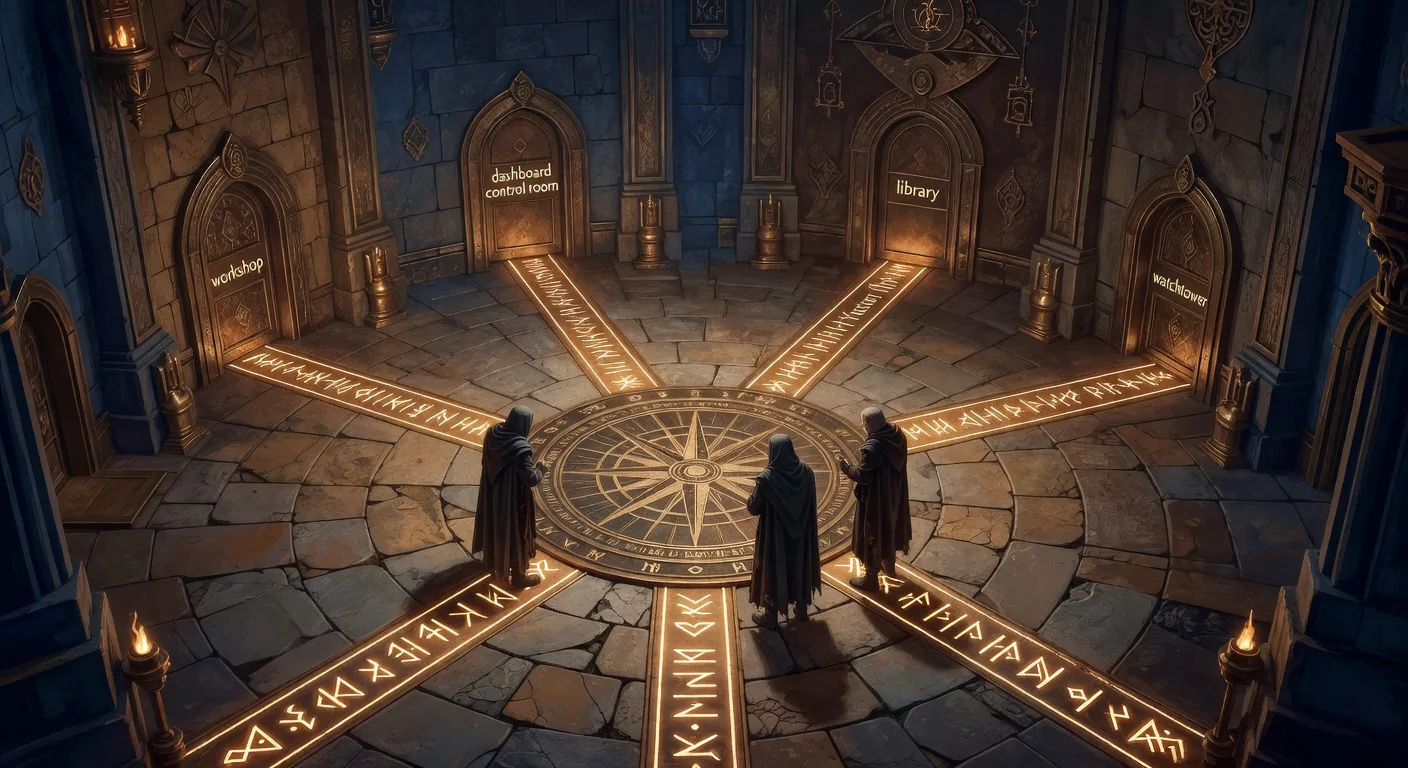
Pick Your Path
The Foreword offered a five-row teaser table for the impatient. This page is the longer version. Five persona ladders, each an ordered sequence of chapters and appendices, each with a ship-it moment so you know when you have actually arrived somewhere instead of just reading.
The five ladders at a glance
Pick the ladder that matches the work in front of you. Two ladders may apply, that is fine, climb the one whose ship-it moment is closer to today's problem. The book is designed so any ladder lands you on a useful artifact within a sitting or two of reading.
| If you are… | The ladder is for you when… | First rung |
|---|---|---|
| Solo developer | You ship code alone (a side project, a one-person service, an MVP). You want guardrails without the team-coordination overhead. | Q1 — Install |
| Team lead | You run a 2–5 person engineering team. You need to onboard developers onto a shared pipeline and explain the choice upward. | Chapter 1 — What Is Plan Forge? |
| Reviewer or architect | You are evaluating Plan Forge for adoption. You need the substrate map, the cost calculus, and the lock-in story before you can recommend or reject. | Appendix H — GitHub Stack Alignment |
| Enterprise architect | You ship across multiple teams under compliance and audit requirements. You need multi-tenancy, data residency, and an operational playbook before pilot. | Appendix J — Plan Forge for Enterprise |
| Extension author | You want to extend Plan Forge, a new tool, a new agent, a new skill, a new notifier. You need the MCP surface and the customization spine. | Chapter 1 — What Is Plan Forge? |
None of these fits? Read the Foreword, then the first chapter, then follow your curiosity. The sidebar is your friend; the Index and site search handle the rest.
Ladder 1 — Solo developer
You are here if you are the only one shipping code on your project. You want Plan Forge's structural quality benefits (interfaces, DTOs, typed exceptions, tests, see the 99-vs-44 evidence in Chapter 1) without the team-coordination machinery. The Quickstart trilogy gets you from zero to a shipped feature in thirty minutes; the rest of the ladder turns that one-shot into a habit.
- Q1 — Install. Clone, run setup, pick a preset that matches your stack. Verify with
pforge smith. - Q2 — Your First Plan. Walk through Specify → Pre-flight → Harden → Execute on a real (small) feature.
- Q3 — Review & Ship. Sweep, independent review, ship. End-to-end in one sitting.
- Chapter 4 — Writing Plans That Work. The single biggest force-multiplier for solo developers: plans that the orchestrator can actually execute without re-prompting. Internalise the scope-contract pattern here.
- Chapter 8 — CLI Reference. Bookmark this. The
pforgeCLI is the surface you will live in. - Appendix B — Quick Reference Card. Single-page cheatsheet for the commands and gates you reach for daily.
docs/plans/, run it autonomously via pforge run-plan, watch the slices land green, and ship the feature, all without leaving the terminal or asking another human to review the AI's work.
Skip for now (come back later if you grow): team coordination, multi-agent setup, enterprise reference architecture. They will be waiting when you need them.
Ladder 2 — Team lead
You are here if you run a small engineering team and you are deciding whether to bring Plan Forge in. Two problems sit on top of you: convincing the team (and whoever signs off), and operating the pipeline once it is running. The ladder covers both, in that order.
- Chapter 1 — What Is Plan Forge?. The mental model and the is / is not table. If you only read one chapter before a stakeholder conversation, read this.
- Stakeholder Briefing. The 10–15 minute white paper inside the book, designed for upward conversation with a manager or a VP. Eight sections, bold lead sentences, all the canonical numbers, plus a three-path tailoring flow (template, skill, community) for remixing the briefing for your own organization.
- Q1 → Q2 → Q3. Do the Quickstart yourself first, then have the team do it. Thirty minutes per developer.
- Chapter 6 — Your First Plan. Deeper than Q2; covers plan structure, scope contracts, and slice design at a level a team lead needs to coach others through.
- Chapter 7 — The Dashboard + Dashboard Settings. The shared surface for cost, live runs, and session attribution.
- Chapter 13 — Multi-Agent Setup. When more than one developer is running plans in parallel, this is the configuration that keeps them out of each other's way.
- Chapter 27 — Team Coordination. Shared plan queues, reviewer rotation, the hand-off protocols.
- Appendix M — Fleet Operator Playbook. The day-two and day-thirty operational guides, what to check, when, and what to do when something is wrong.
Ladder 3 — Reviewer or architect
You are here if you have been asked to evaluate Plan Forge. The decision is whether your organization should adopt it, and if so, how. Three things matter to you: where it sits relative to what you already run (GitHub, Copilot, your CI), what it costs and what it locks you into, and whether the architecture survives the questions a senior engineer will ask after twenty minutes of reading.
- Appendix H — GitHub Stack Alignment. Eight-primitive map showing exactly which GitHub-native surfaces Plan Forge consumes and which it complements.
- Appendix I — Plan Forge on the GitHub Stack. The surface-by-surface layering: what runs in Actions, what runs in MCP, what writes to Issues and PRs.
- Chapter 1 — What Is Plan Forge?. Especially the IS / IS NOT table and The Virtual Engineering Team section (role map for every traditional engineering function, plus the three jobs that stay with the human). This is the chapter that answers the “why not just Copilot?” and “who decides when it’s done?” questions without hand-waving.
- Chapter 2 — How It Works. The seven-step pipeline. Read this to verify the architecture is what it claims to be.
- Chapter — Forge-Master + the audit loop. Agents supervising agents: live Observer commentary during runs, Auditor post-run grading against the plan, and the unattended audit loop that ran for two weeks on a real production Next.js site and surfaced 30+ defects. For the skeptical reviewer who has been burned by AI demos that grade their own homework, this is the part to verify.
- Chapter 22 — How the Shop Remembers. OpenBrain, the user-owned memory layer. This is the lock-in answer: your institutional memory lives in a service you run, not in any AI vendor's cloud.
- Appendix K — Enterprise Reference Architecture. The deployment topology that will be relevant when you write up your recommendation.
- Appendix N — Compliance & Data Residency. The shortest paragraph in your write-up that says “here is where the data lives.”
Ladder 4 — Enterprise architect
You are here if you are taking Plan Forge into an environment with compliance requirements, multi-team isolation, audit trails, and a procurement process. The reviewer ladder above answered “should we adopt?” This ladder answers “how do we deploy it safely across the organization?”
- Appendix J — Plan Forge for Enterprise. The deployment shape. Roles, tenancy boundaries, the configuration surface.
- Appendix K — Enterprise Reference Architecture. The reference diagrams: network, identity, data planes, the seams between Plan Forge and the rest of your stack.
- Appendix L — Agent Factory Recipe. How to manufacture agent configurations consistently across teams without each team reinventing the wheel.
- Appendix M — Fleet Operator Playbook. Day-one, day-two, day-thirty operational procedures. The on-call runbooks for the platform team running Plan Forge centrally.
- Appendix N — Compliance & Data Residency. Where every byte lives, who can see it, and the audit trail it leaves.
- Chapter 22 — How the Shop Remembers. OpenBrain as the self-hosted memory service, the architecture, the threat model, the operational profile. Lock-in avoidance is itself a compliance posture: your accumulated decisions live on your infrastructure, not a vendor's.
- Chapter 27 — Team Coordination. Multi-team operational patterns when several squads share one Plan Forge fleet.
Ladder 5 — Extension author
You are here if you want to extend Plan Forge, add a tool, a skill, an agent, a notifier, or a custom workflow. The ladder starts with the mental model, walks through the customisation spine, and lands on the MCP surface and the extension catalog.
- Chapter 1 — What Is Plan Forge?. Internalise the four-station mental model first, extensions land at one of the four stations, and knowing which one shapes the design.
- Chapter 2 — How It Works. The pipeline shape. Extensions slot between steps; understanding the steps is prerequisite.
- Chapter 12 — Extensions. The extension contract, the catalog, the publishing flow. Start here for the “hello world” extension.
- MCP Server — Quick Start & Reference. The MCP surface where tool-shaped extensions live. The Quick Start gets you a working tool in one sitting; the Reference is the long-form contract.
- Chapter 9 — Customization. The hooks, the override points, the configuration surface every extension can lean on.
- Chapter 10 — Instruction Files & Agents. If your extension ships an agent persona or an instruction file, this is where the conventions live.
- Chapter 28 — The Knowledge Graph. If your extension needs to persist relationships across runs, tag, link, query, this is the substrate to use rather than a sidecar database.
When two ladders apply
Some readers will fit two ladders, a team lead who is also evaluating adoption, an enterprise architect who wants to author an internal extension, a solo developer who later inherits a team. The ladders are not exclusive. The recommended hops:
| You started as… | You also need… | Hop directly to… |
|---|---|---|
| Solo developer | To onboard a second developer | Team-lead ladder, rung 4 (Chapter 6 & 7), then rung 6 (Multi-Agent) |
| Team lead | To pitch upward | Reviewer/architect ladder, rungs 1–3 (Apps H, I + Chapter 1) |
| Reviewer or architect | To recommend a deployment topology | Enterprise ladder, rungs 1–2 (Apps J & K) |
| Enterprise architect | To customise the fleet | Extension-author ladder, rung 5 (Customization) |
| Extension author | To publish to the catalog | Chapter 12 + the PUBLISHING.md guide on GitHub |
A note on voice
This page, like the Foreword, addresses the reader in second person (“you are here if…”) rather than the third-person reference voice used in the rest of the manual. That is the narrow exception called out in the Foreword's note on voice: the Foreword and the Reader Paths page lean on the reader's journey because their job is the journey. Every other chapter speaks in the reference voice.
Climb
The book is the map; the ladder is the route. Start at rung one of your ladder. The ship-it moment marks the top, and from there you can either start a new ladder or follow your own curiosity through the rest of the manual.